




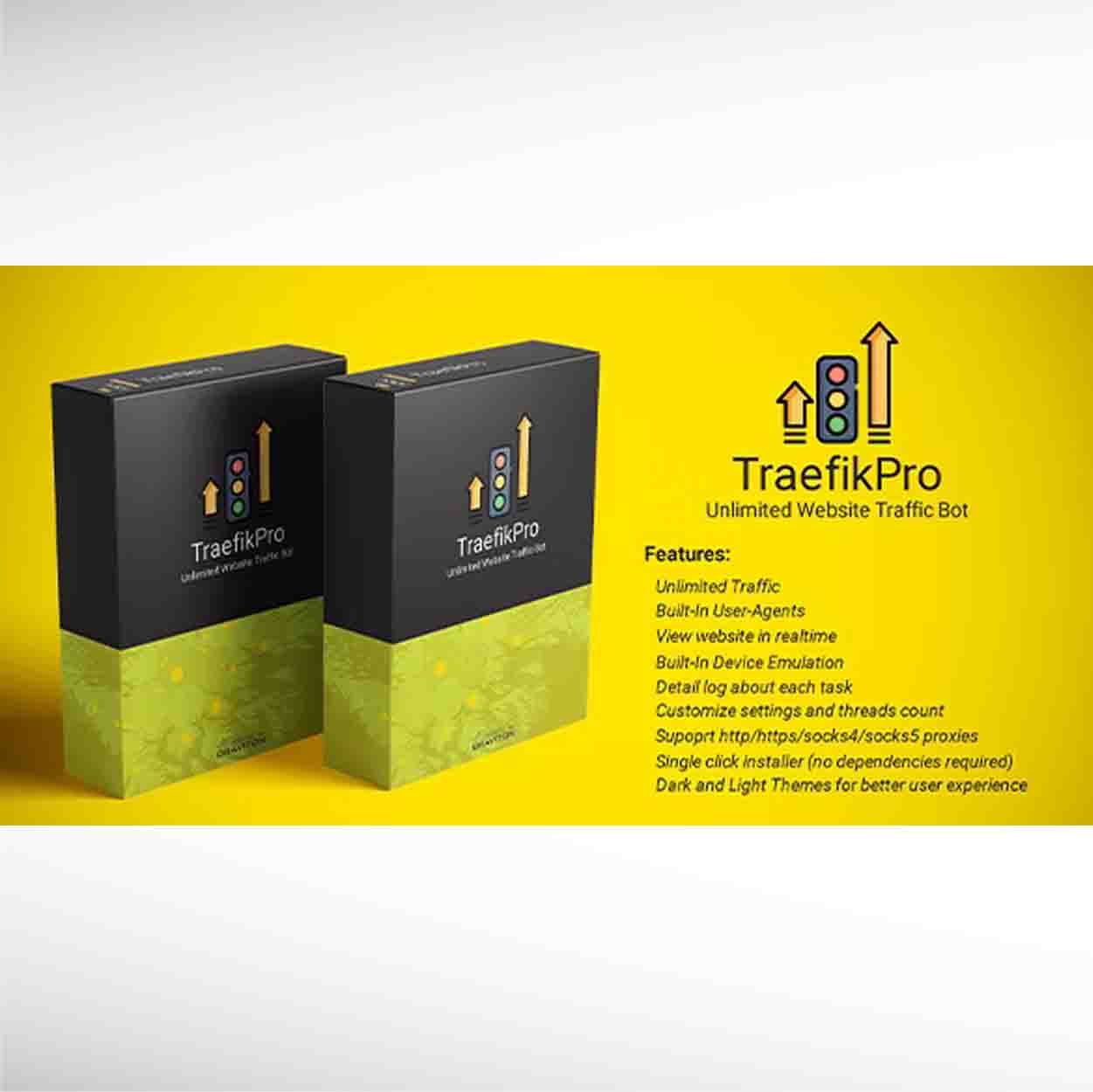


Mass traffic bot - TraefikPro - Unlimited website visitor Free Download
TraefikPro V4.1.1 is a high quality traffic bot to generate website traffic. TraefikPro view webstie in real browser window and use randomize behaviour in order to mimic real human traffic which appears on google analytics. It required proxies in order to spoof ip.
Features:
Built-In User agents
View website in realtime
Generate Unlimited Traffic
Built-In Device emulator
Detail log about each task
Customize target configuration
Multi-Threading (Performance)
Automatic fresh proxies import from internet
Safe for google analytics
Support http/https, socks4 and socks5 proxies
Single click installer (no dependencies required)
Dark and Light theme for better user experience
Free Updates.
Installation and Activation:
1. Download TraefikPro setup after purchase and unzip it .
2. Right click and click open to install .
3. Now new TraefikPro icon will appear on desktop and start menu click to start app
NOTE: To use purchase code in another pc you need to first release it from current pc
1. First step is to import proxies , either you can click “AUTO IMPORT” to import latest fresh proxies from internet or you can click “IMPORT” to import your custom proxies . Make sure that your proxies are in ip:port format . Also make sure to select “Proxies Type” option i.e http/https, socks4 or socks5
2. Then add URLs to which you to send traffic, you can also import URLs from file .file should contain each URL on new line.
3. Now you can configure tweaks to customize traffic behaviour . In tweaks you can set number of hits you want to send per URL. You can customize minimum and maximum view time. You can also customize device emulation , threads and timeout . If you want to prevent bot to navigate internal pages to reduce bounce rate then you can uncheck Navigate Page option
NOTE: You can also view video attached for working of app.
Purchase will be valid for 1 year after activation. After that you will need to make new purchase and put new purchase code in app to continue . DO NOT SHARE YOU PURCHASE CODE IN PUBLIC COMMENTS . Since it is your license key for app . 1 purchase code can only be used in 1 machine . In order to use in another machine you need to first release it from current machine by clicking the settings icon on top right corner of app and click “RELEASE LICENSE”
Currencies
Categories

Donate

What is CodecBlend
CodecBlend is web portal with one vendor ecommerce and provides free digital download like software, vector graphic, operating system, fonts, films, music video, video tutorial, templates, plugin, module, artwork, logo, component and many more..