





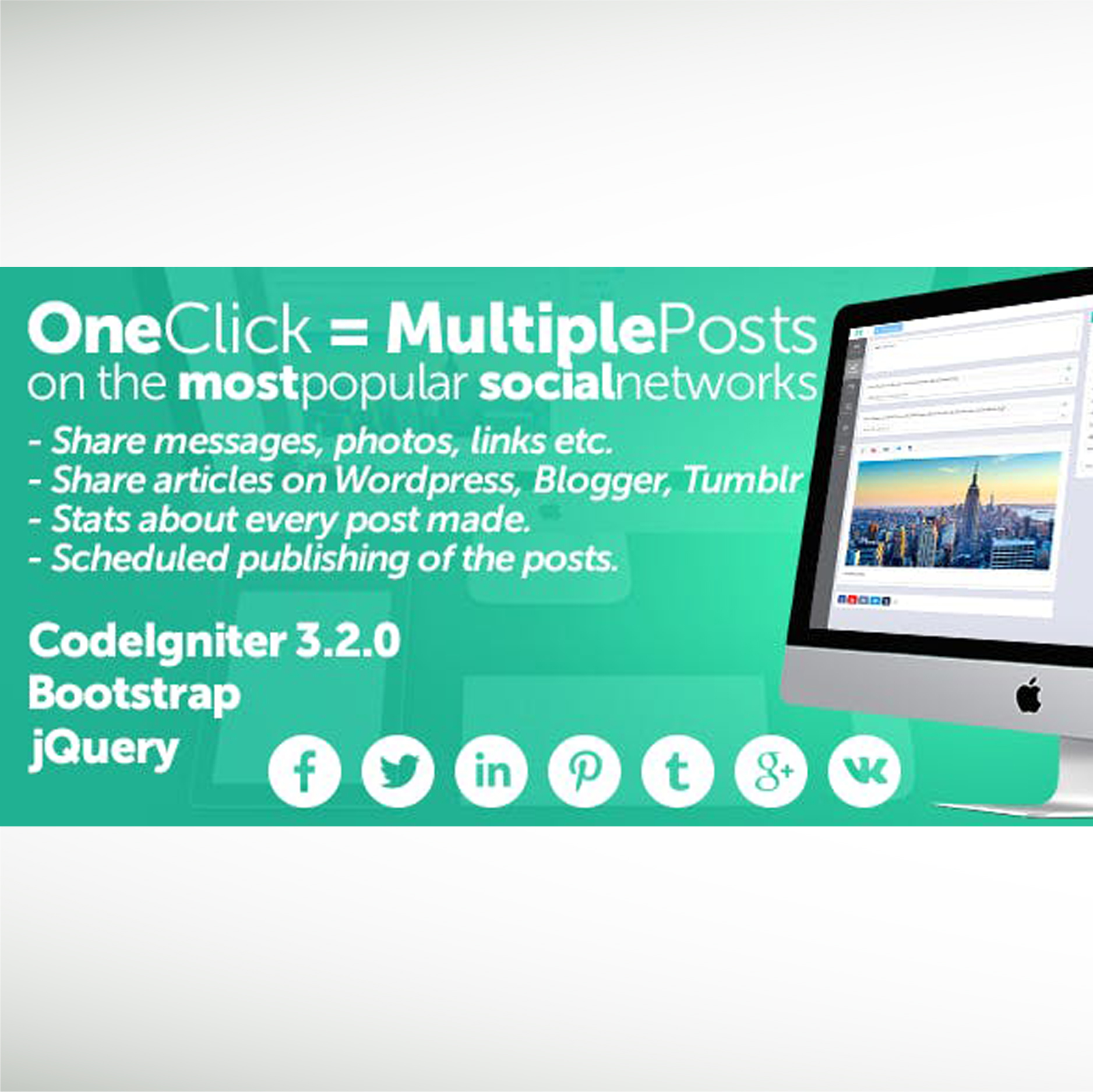


Midrub – Schedule And Publish On The Most Popular Social Networks is a tool for web marketing which allows to anyone to publish posts on 20 social networks, share RSS posts to 20 social networks, publish posts to any website created with WordPress, create Amazon/eBay RSS Feeds, reply to comments (on Facebook, Twitter and other social networks), create email campaigns and send to your email lists and other useful features comming soon. Users can register and pay with PayPal(recurring payments), Stripe or 2Checkout to upgrade their plan. You just have to create the plans and limit the platform features for each plan.
Midrub’s Apps:
In the user’s panel each page from the main menu is an app with it’s styles, js, api, hooks, cron job methods and ajax methods. This makes Midrub to be fast, easy to customize and add new features. You can enable apps per plan. For example you can offer special features only for a plan.
The Posts app is an app for Midrub version 0.0.8.4 which allows to connect the most popular social networks and publish or schedule posts. The Posts app has 5 sections:
Composer – connect social networks, schedule posts, get preview(individual preview for each social network is a urgent scheduled feature which will be available in a short time), get accounts based on the most used in the last 30 days, get popular hashtags from Twitter or Instagram in legal way and if you have Midrub Ads Manager you can boost posts on social networks, auto create ads based on your preferences and if you have Midrub Social Planner you can plan posts directly from the Composer’s tab.
Sheduled – create new posts for selected date, see the sheduled posts, and delete posts. this section has a quick scheduler feature which allows posts scheduling with a click on the date.
Insights – get insights for published posts. With one click you can get insights for scheduled posts, reply and moderate comments. In the same section you can get Insights for connected accounts, see the posts list, get individual insights, moderate, create and reply to comments.
History – here you can see all scheduled, drafted and published posts. By clicking on the Details button you will get the post’s content and list with social networks where will be published or were published. If was an error, Midrub will show the error message and user will understand what is wrong. From History you can generate even reports for published posts.
RSS Feeds – allows to create a list with RSS Feeds, enable or disable them, search and delete them. By clicking on Manage you will get other 5 sections from where you can automatize the RSS posting or schedule only the posts you want. RSS posting has more options which will help you to publish posts as you want. In the RSS’s History you can get information about posting and error messages. You can even generate reports.
Available social networks where you can publish: Facebook, Facebook Groups, Facebook Pages, Youtube, Dailymotion, Reddit, Flickr, Imgur, Instagram, Linkedin, Linkedin Companies(you need to be a partner), Twitter, Tumblr, Google Plus(Google Plus is private now and Midrub could publish there via G Suite), Pinterest, Medium(their api is private and you have to ask for access), Blogger, Wordpress, VK, Vimeo, Telegram Channels, Telegram Groups, Odnoklassniki(Одноклассники) and Google My Business.
Currencies
Categories

Donate
Donate (QR)

What is CodecBlend
CodecBlend is web portal with one vendor ecommerce and provides free digital download like software, vector graphic, operating system, fonts, films, music video, video tutorial, templates, plugin, module, artwork, logo, component and many more..